Do QR Codes Expire? What Stops Them Working
QR code images do not have a built-in expiry date, but their links can stop working. Learn what to renew, monitor, and recover before reprinting.
The w.here team
8 min read
On this page
- A readable code and a working destination are different things
- Check which kind of expiry you are dealing with
- Free downloads can have ongoing dependencies
- Domain names and website accounts need attention
- Subscription addresses have their own lifespan
- Tokens can expire even when the website is healthy
- A worked maintenance example: labels for a local maker
- How to recover a code that appears to have expired
- Keep a small register of printed codes
Ordinary QR code images do not expire on a timer. What can expire is the address, subscription, access permission, or token behind the code, and the physical print can become unreadable. To judge how long a code will work, inspect what it contains and everything required to make that information useful.
This distinction gives you a practical way to maintain codes already on business cards, signs, packaging, or café tables. It also helps you evaluate promises such as “free forever” without confusing a downloadable image with an operating service.
A readable code and a working destination are different things
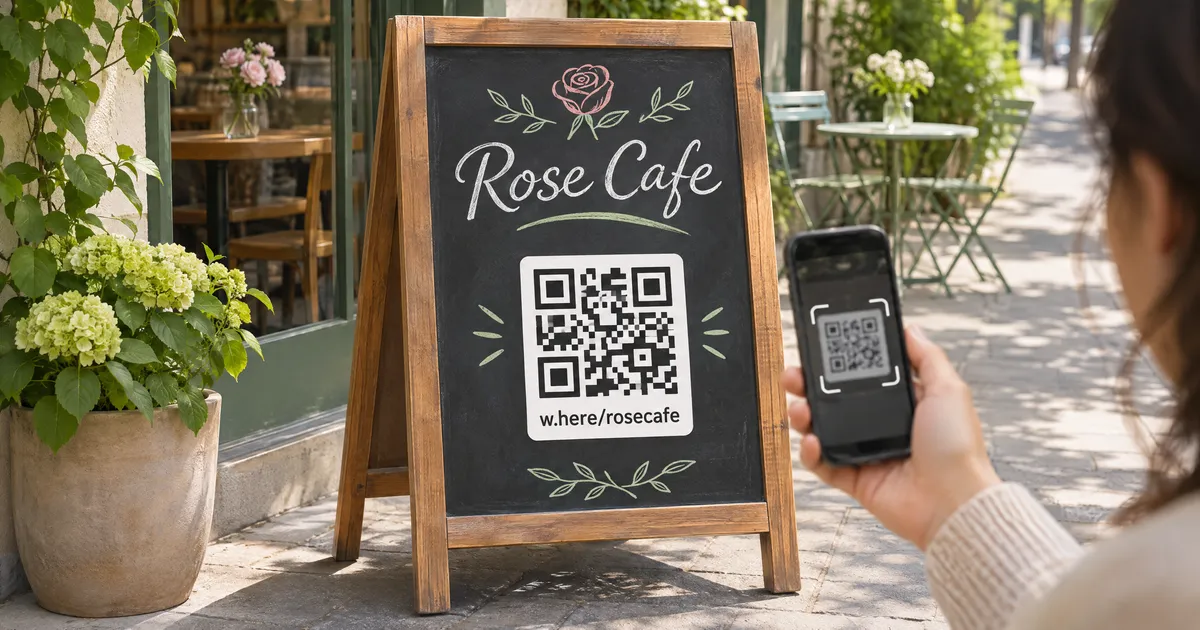
A phone first decodes a QR pattern. If the result is a web address, it then tries to open that address. A camera can read the code perfectly while the browser displays an expired subscription notice or a missing page.
For example, a code may still decode to the same menu URL years after printing. If the owner deletes that menu file, the code has not changed. The address simply no longer serves the intended document.
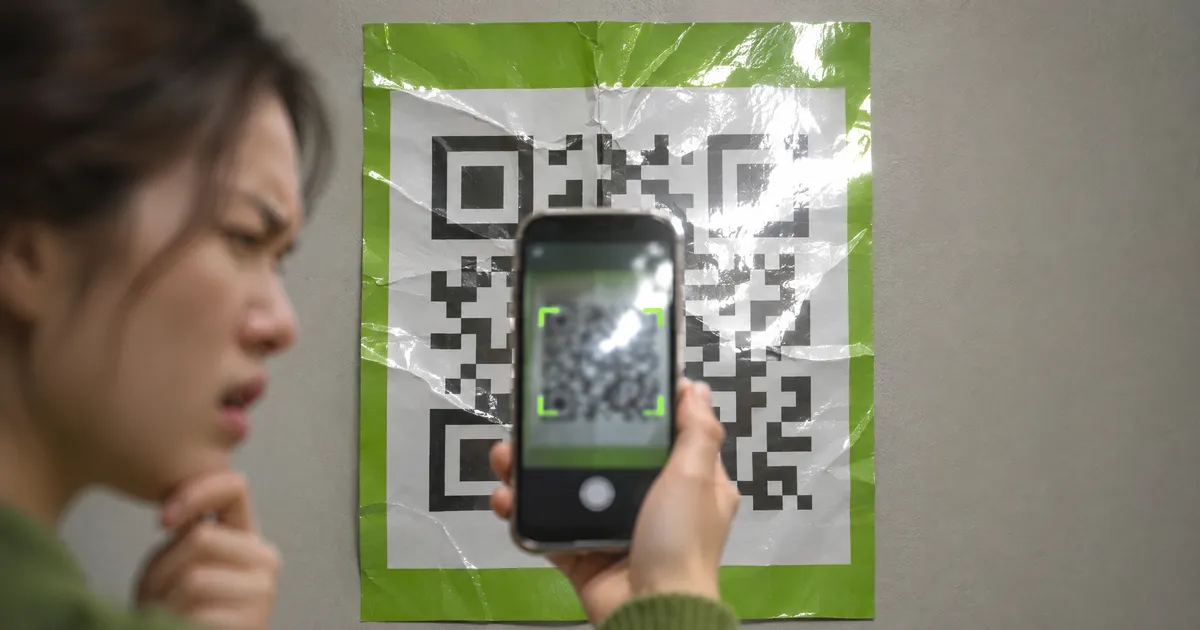
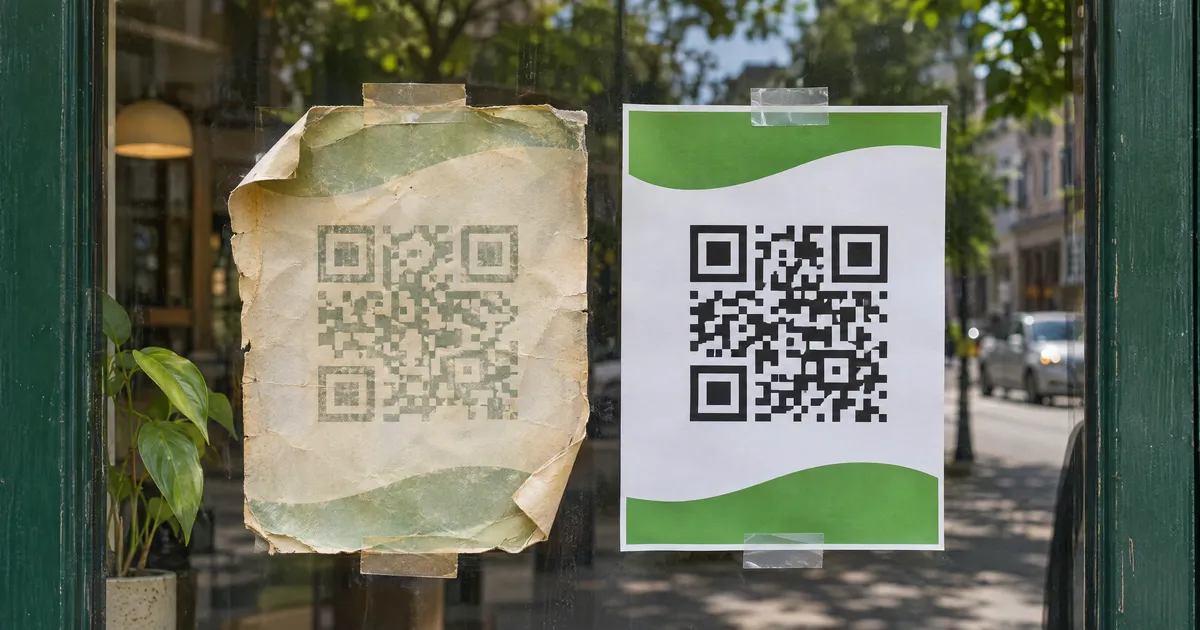
The physical pattern can also deteriorate. Sunlight may fade ink, cleaning may scratch a label, and folded paper may obscure part of the symbol. QR codes include error correction, but that is not a promise that any damaged code remains readable. DENSO WAVE describes recovery of encoded data within the limits of the chosen correction level. Read the QR Code developer's explanation of error correction.
Keep both parts in your maintenance routine: can a phone decode this actual print, and does the decoded information still do the right thing?
Check which kind of expiry you are dealing with
| What stops working? | What it may look like | Who can usually investigate? |
|---|---|---|
| The printed symbol | The camera offers no result | Whoever maintains the physical materials |
| A managed redirect account | A trial-ended or inactive-link page | The account owner or QR provider |
| A domain registration | A parked page or unavailable site | The domain registrant and registrar |
| Hosting or a published page | An error, missing page, or suspended site | The website owner or host |
| A file permission or temporary link | Sign-in request or expired-access message | The file owner or platform |
| A ticket, coupon, or login token | A recognised code that is rejected | The issuer of that token |
Do not assume that all rows have the same remedy. Paying a QR provider will not repair a deleted menu on your website. Reprinting the same URL will not restore an expired domain. Enlarging the image will not make an invalid ticket valid.
Free downloads can have ongoing dependencies
A generator may give you a genuinely direct code containing your chosen URL. Once downloaded, that image does not need the generator to remain online. It still needs the encoded website to be available when someone opens it.
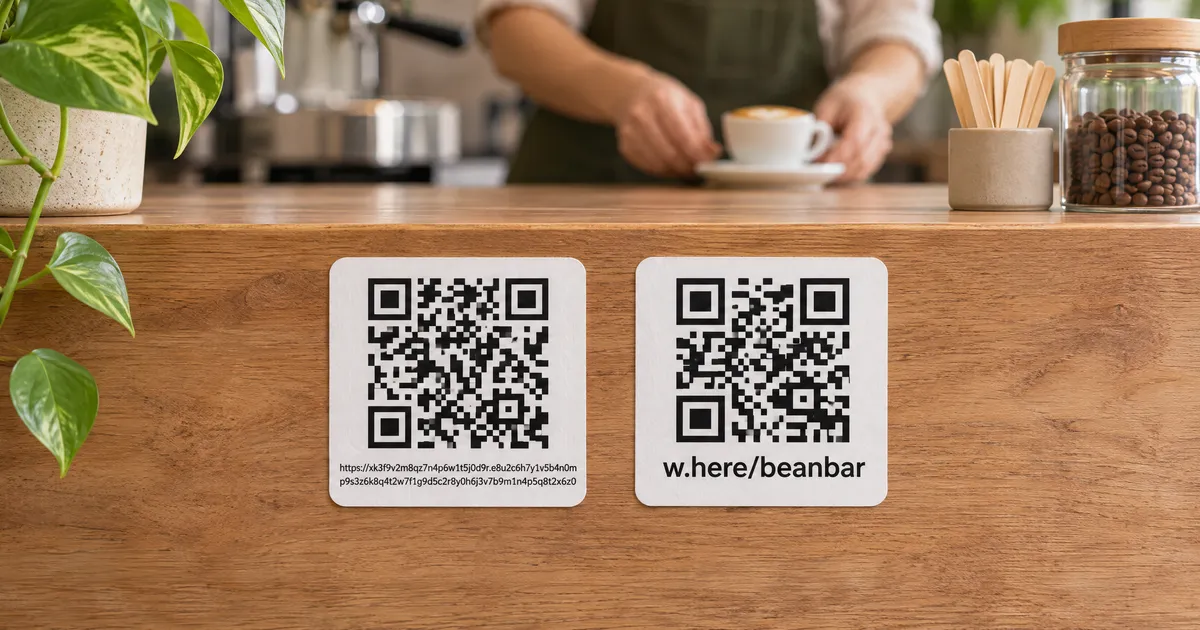
Another generator may give you an image containing a redirect address on its own domain, even if you entered a different destination during setup. That arrangement relies on the redirect service continuing to forward visitors. A trial may let you create the image before it asks you to pay for continued operation.
You can distinguish them by inspecting the encoded text. Do not rely only on the page that finally opens, because a redirect can hide the intermediate address during ordinary browsing. Keep a copy of the provider's current cancellation and usage terms with your print records.
Before using a free tool for costly print, answer three questions: What URL is actually inside the code? Who controls that URL? What conditions must remain true for it to work? Those answers matter more than whether downloading the PNG cost anything.
Creating a QR image and maintaining an editable destination are separate tasks. Check what the provider continues to host after you download the image.
Domain names and website accounts need attention
If a code contains an address on your own registered domain, keep that registration active even after redesigning or moving the website. ICANN explains that continued use requires renewal and that failing to renew can interrupt services or lead to losing the name. See ICANN's domain renewal guidance.
Renewal is only one dependency. The website must also serve the exact path inside the code. A new homepage does not automatically preserve an old menu, brochure, or appointment URL. Put those printed paths on the handover list whenever a designer rebuilds the site.
Review billing and recovery access separately. An account can have a valid payment method but an inaccessible recovery email, leaving you unable to make changes. Conversely, you may be able to sign in while a failed payment has stopped public access. Record who is responsible for both.
When a staff member leaves or an agency relationship ends, transfer the relevant access through the provider's supported process. A business should not discover that its window code depends on a former contractor's personal inbox during a busy weekend.
Subscription addresses have their own lifespan
A managed address can make updates convenient, but its continued availability follows the service's rules. Check the current plan for trial expiry, billing failure, cancellation, usage limits, account suspension, and deletion. These are separate questions; an unlimited-use plan is not necessarily a lifetime commitment.
A w.here name is a yearly subscription to a stable address on the service. That address can show a page or forward to another HTTPS destination while the printed code stays the same. Keeping it available depends on an active subscription and service availability, so it should be part of your renewal checklist.
If you decide to leave any service, inventory where its address has been printed before cancelling. Exporting the QR image preserves a copy of the pattern, not ownership of the provider's URL. You cannot move that URL to a different provider merely by uploading the image there.
Tokens can expire even when the website is healthy
Some QR codes represent a temporary permission or identifier rather than an ordinary public page. A ticketing system can accept a code only for a particular event. A login session can stop accepting a pairing code. A file-sharing service can invalidate a temporary access link.
In these cases, the code may remain readable and the service may remain online, yet the encoded token is no longer accepted. The issuer's system determines that validity. Contact the issuer or generate a replacement through the authorised account rather than treating it as a printing fault.
This is why you should avoid using a temporary preview, session, or sharing link on long-lived business materials. Open the proposed destination while signed out, check its sharing settings, and confirm that it is meant to be public for the required period. A link copied from an owner-only preview is a poor foundation for a permanent sign.
A worked maintenance example: labels for a local maker
Consider a hypothetical ceramics maker who puts a care-guide QR code on packaging. The guide lives on a website, and products may remain in customers' homes long after the original sale.
The maker chooses a stable care page rather than linking directly to a dated PDF. The page contains current care instructions and a downloadable copy. Their records identify the printed URL, website account, domain renewal owner, and original QR artwork.
When the website is redesigned, the maker checks the care-page path explicitly. The designer can keep the page there or redirect that path to the new guide. A standard web redirect can preserve an old link while sending visitors elsewhere; MDN explains this use of redirects.
Now suppose the maker closes the business. Keeping a small care page online for a chosen period may still be useful to existing customers, but that is an operational decision with costs and responsibilities. The QR image itself cannot guarantee support indefinitely.
The maker's plan therefore includes a retirement decision: what information should remain, who maintains it, and when future packaging will stop using that address. Thinking about the end of a code's useful life is as important as choosing its first destination.
How to recover a code that appears to have expired
Start with one physical sample and work in order:
- Check whether it decodes. If the camera never offers a result, compare an original digital copy with the print. Investigate contrast, damage, size, or glare.
- Record the encoded address. Distinguish it from any final address reached after redirects.
- Open the address directly. Note the exact error or message instead of describing everything as “broken.”
- Check the account controlling that address. Look for billing, publishing, permissions, or service notices.
- Restore the existing route where possible. Reactivate the service, restore the page, or correct its redirect using the provider's supported process.
- Test the original print again. Recovery matters only if customers can complete the intended task.
Do not assume recovery is guaranteed. A released domain may no longer be available to you. A deleted account may be beyond the provider's recovery window. If you cannot regain the encoded address, follow the options for changing or replacing a printed QR destination.
Keep a small register of printed codes
You do not need an elaborate asset system. A shared document can record the print location, purpose, encoded address, current destination, responsible person, renewal dependency, and last successful check. Add the original image and artwork location so a damaged sign can be reproduced consistently.
Choose review dates that match the risk. A menu changing often deserves checks after each update. A quiet portfolio card might need a check after website changes and before a new print order. Outdoor signs also need physical inspection because a healthy website cannot compensate for weather damage.
Before retiring any address, use the register to find the materials that still depend on it. Replace accessible signs and decide what to do about copies already distributed. For unresolved failures, the QR troubleshooting guide helps identify whether the next action belongs to the printer, website owner, or service provider.
The practical next step is to scan your most important existing code today, record what it contains, and assign one person to keep that address and its destination usable.