The menu changed this morning. The QR code on the table didn't.
A QR code menu is a code on the table, window or counter that opens your menu on a customer's phone. With w.here the code holds your short address, so you can change the menu, the prices or the opening hours as often as you like without printing a new code.
$29 for the first year, then $59 a year a year. Free to design, pay when you publish.
What it can look like
Made-up people and businesses, built with the same editor you'll use.
Cafew.here/cornercup Menu, opening hours and a map to the door.
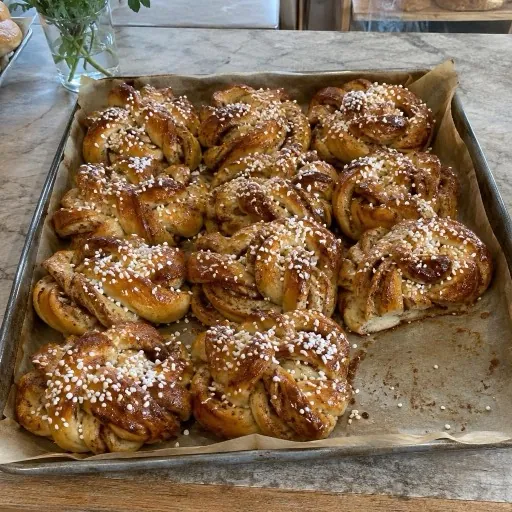
Bakeryw.here/sunnyside Order for pickup, today's bake, and when and where to find her.
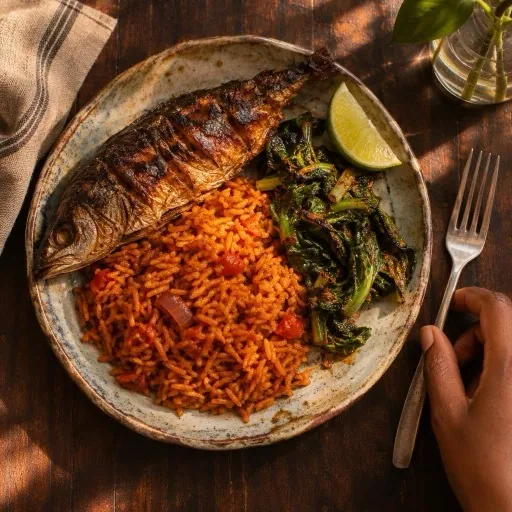
Chefw.here/kofi A supper club with one button that matters.
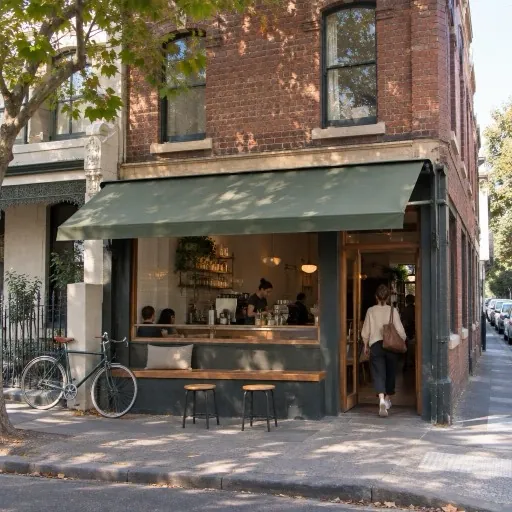
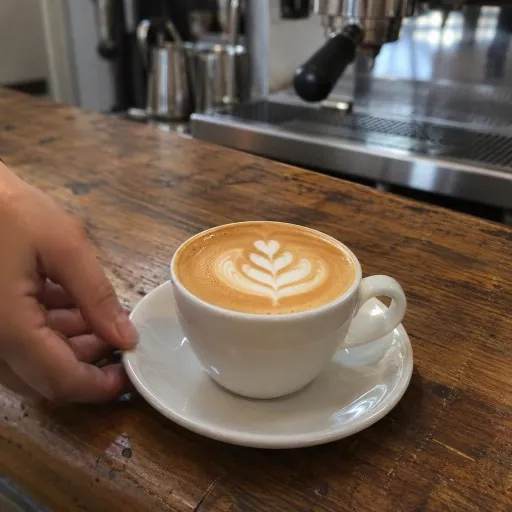

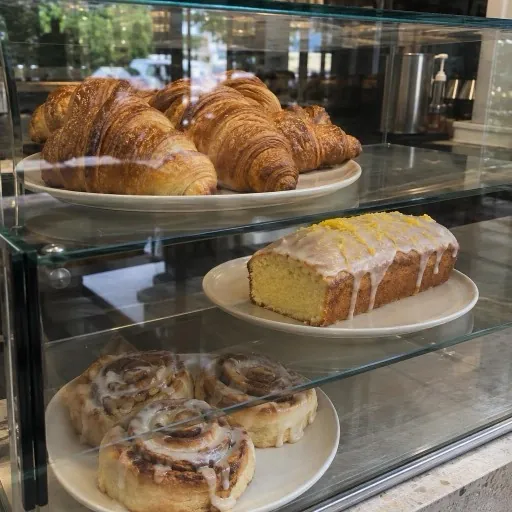
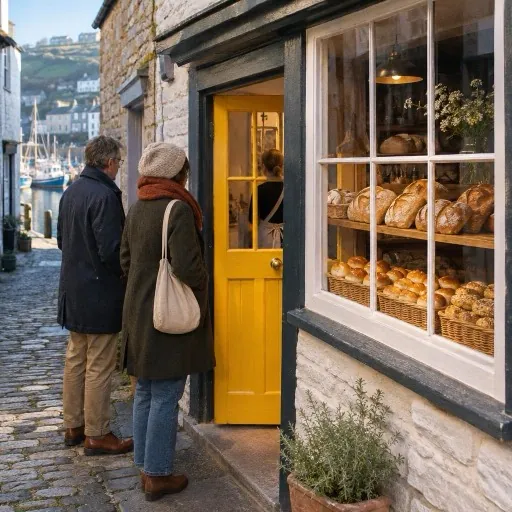





What to put on yours
The menu, first
Write the menu and prices on the page, or add a button that opens the menu you already have online.
Opening hours
The most-asked question about any cafe. Put the hours where nobody has to scroll for them.
How to find you
The street address and a Get directions button that opens the visitor's maps app.
One sticker that lasts
Print the QR code once for tables, the window and takeaway bags. It keeps working when the menu changes.
How it compares
w.here beside the usual choices
The other columns describe what's typical for that kind of tool. Each one is different, so check the one you have in mind.
| w.here | A QR code linked to a PDF | A restaurant menu app | |
|---|---|---|---|
| Changing the menu | w.hereEdit the page; the same code keeps working | A QR code linked to a PDFUpload a new file, and often print a new code | A restaurant menu appEdit in the app |
| Reading it on a phone | w.hereA page made for a phone screen | A QR code linked to a PDFPinching and zooming around a printed layout | A restaurant menu appMade for a phone screen |
| More than the menu | w.hereHours, directions, pictures, links and reviews | A QR code linked to a PDFOnly what's in the file | A restaurant menu appVaries by app |
| Ordering and payment | w.hereOrdering for pickup is built in; paying online once your name takes payments | A QR code linked to a PDFNo | A restaurant menu appOften built in |
| What it costs | w.here$29 for the first year, then $59 a year, with everything included | A QR code linked to a PDFOften free | A restaurant menu appUsually a monthly subscription |
Good questions
How do I make a QR code for my menu?
Do I need a new QR code when the menu changes?
Can customers order and pay through the page?
Can I put my logo or a picture in the QR code?
Is your name still available?
Search for it, start a draft, and pay only when you publish.