vCard QR Code vs Digital Business Card: Which Fits?
Compare embedded vCard QR codes, linked contact files, and web business cards for offline use, updates, contact saving, and useful follow-up.
The w.here team
8 min read
On this page
- Understand the three contact-sharing routes
- Compare the practical differences
- Choose embedded contact data for a narrow, stable job
- Choose a linked VCF when contact import is the main action
- Choose a web card when the person needs context or choices
- Understand what contact saving actually does
- A worked example: a consultant who changes roles
- Test the choice before producing a full batch
- Make the update plan part of the decision
An embedded vCard QR code stores contact details in the printed pattern; a digital business card usually stores a web-page address there instead. There is also a third option: a QR code that links directly to a hosted .vcf contact file. Choose between them according to whether offline access, future updates, or context about your work matters most.
The phrase “vCard QR code” is used loosely by tools, so inspect what the code actually contains. Contact data inside the image and a link to contact data on a server behave differently after you print them.
Understand the three contact-sharing routes
A vCard is a structured format for exchanging contact information. It can represent a person's name, organisation, telephone numbers, email addresses, and other details. The file extension .vcf commonly identifies a vCard file. The IETF's vCard specification documents the format; it does not promise that every phone presents every field in the same way.
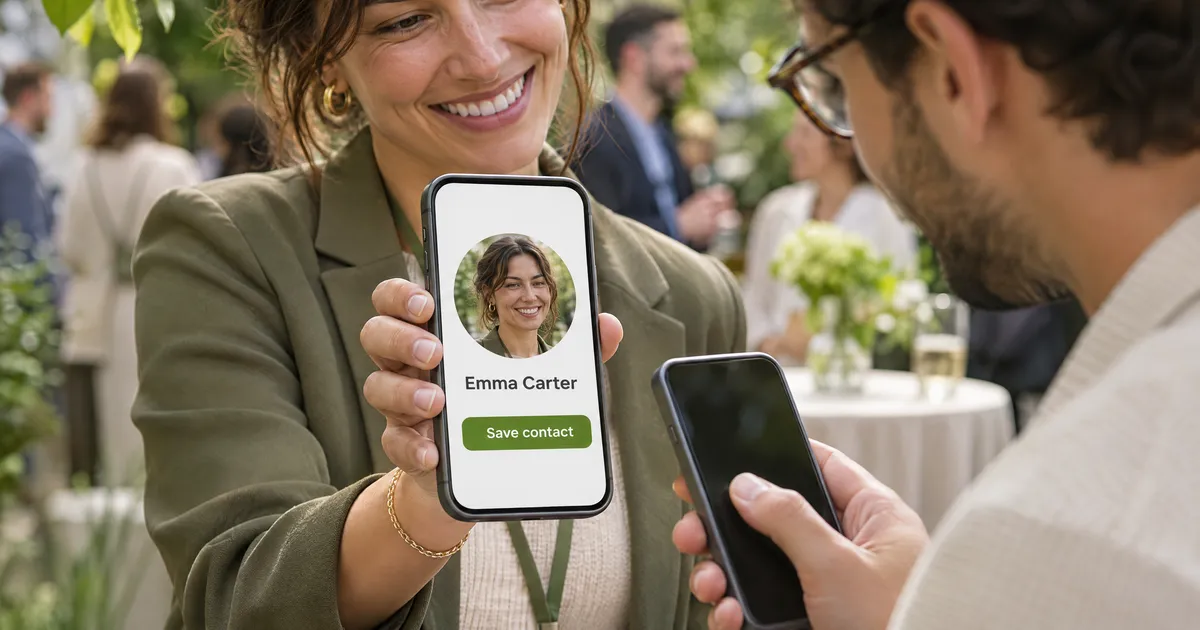
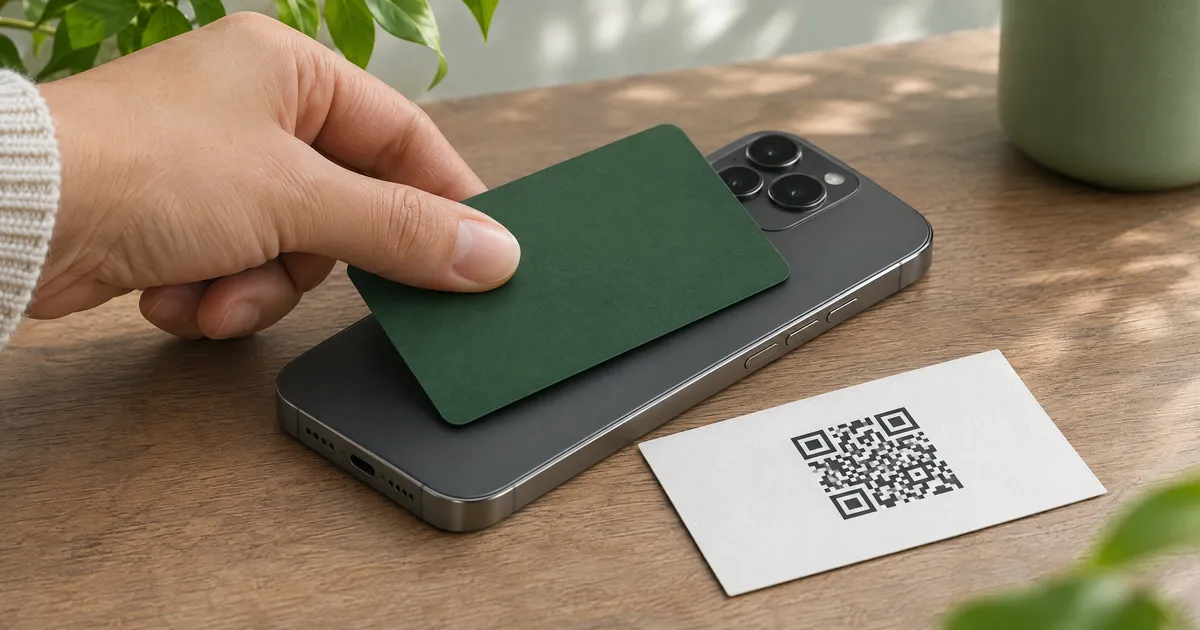
With an embedded vCard code, the scanner reads the contact data from the pattern itself. A compatible reader may offer to create a contact. There is no need to fetch a web page just to obtain the data contained in the code.
With a linked VCF code, the scanner reads a URL. The phone then needs to retrieve the contact file from that address. The browser and contact app decide how the download or import is presented.
With a web business card, the scanner also reads a URL, but that URL opens a page designed for people. Visitors can read your introduction, choose a contact method, view work, and optionally download a vCard.
Compare the practical differences
| Question | Embedded vCard | Linked VCF file | Web business card |
|---|---|---|---|
| What does the code contain? | Contact data | File URL | Page URL |
| Can its contact data be obtained without fetching a website? | Yes, if the reader supports the payload | No, unless a usable copy is already available locally | No, unless a usable copy is already available locally |
| Can future visitors receive changed details without reprinting? | No | Yes, if the same file URL remains under your control | Yes, if the page URL remains under your control |
| Can it explain your work before an import? | Limited to what the reader shows | Limited to the file handling and preview | Yes, through page content |
| Does it require ongoing hosting? | Not for the embedded data | Yes | Yes |
| Does editing it update contacts already saved elsewhere? | No | No automatic update | No automatic update from an ordinary vCard download |
The table concerns ordinary contact exchange. A separate synchronised directory or managed contacts system can have different behaviour, but you should not assume that a printed QR code or downloaded file provides that system.
Choose embedded contact data for a narrow, stable job
An embedded vCard is worth considering when your aim is simply to share a small set of stable details and internet access may be unreliable. A person can read those encoded details without your website being online, provided their scanning software understands the format.
That advantage comes with a clear tradeoff: the encoded details cannot change after printing. If your mobile number, email, or role changes, old copies still contain the earlier information. You need to replace the print or communicate the change another way.
Keep the payload focused. More data can require more modules, making the pattern denser for a given physical size. DENSO WAVE explains the relationship between data capacity, QR version, and module count. See its capacity guide. The useful response is to test the actual code, not to assume that every contact field must fit on a small card.
Do not count on every scanner recognising your preferred vCard version or every contact field. Generate a sample, scan it with the devices your audience is likely to use, and inspect the resulting contact. For a simple public card, a correctly imported name and work contact route may be more useful than an elaborate file that imports inconsistently.
Choose a linked VCF when contact import is the main action
A hosted contact file lets you preserve a URL while replacing the data served there. This can be useful when you want the interaction to focus on adding a contact rather than reading a page.
The key condition is preserving the exact file address. Uploading an updated file under a different name does not change the URL in an existing printed code. Some platforms let you replace a file in place; others create a new address every time. Check that behaviour before printing.
You also need a usable public delivery route. Test while signed out, because a file that downloads from your own account may require permission for everyone else. Confirm that the server is delivering the intended contact file rather than a generic sharing page or a sign-in screen.
The tradeoff is limited context. A visitor may be offered a download before being reminded who you are or why they should save your details. Use the printed card itself to establish your name and purpose. If that context cannot fit comfortably, a web page may be a better first stop.
A linked VCF also depends on hosting and connectivity. It is not an offline solution merely because the destination is a contact file instead of a website.
Choose a web card when the person needs context or choices
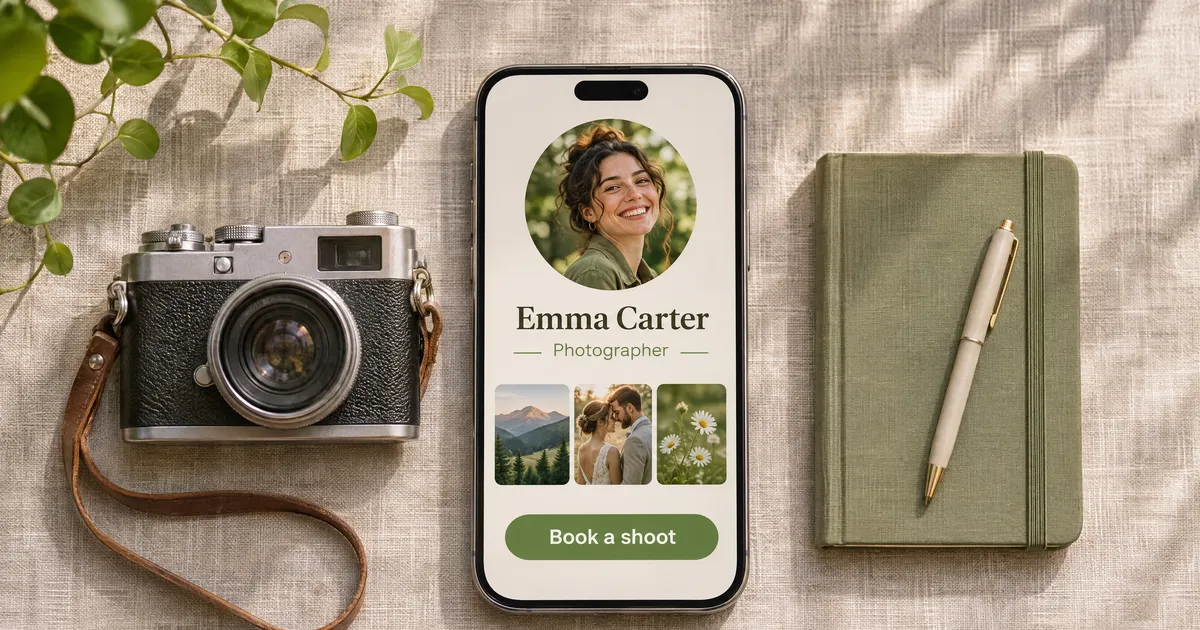
A web card can help someone recall a conversation and decide what to do next. It can show your role, service area, examples of work, preferred contact route, and an optional contact download in one place.
This suits professionals whose details or offers change. You can update what future visitors see while retaining the page's address. If you control that address, you may also be able to redirect it after a move. The printed QR pattern remains fixed in either case.
The extra page has a cost in attention: someone seeking only your phone number should not have to work through a long introduction. Keep essential details and the main action easy to find. The guide to what to put on a digital business card helps separate useful context from unnecessary content.
With w.here, a template page can include a Save contact download as well as visible contact details and links. The public address depends on an active yearly subscription and service availability. If you use another page service or your own website, check its hosting, address control, and renewal arrangements in the same way.
Understand what contact saving actually does
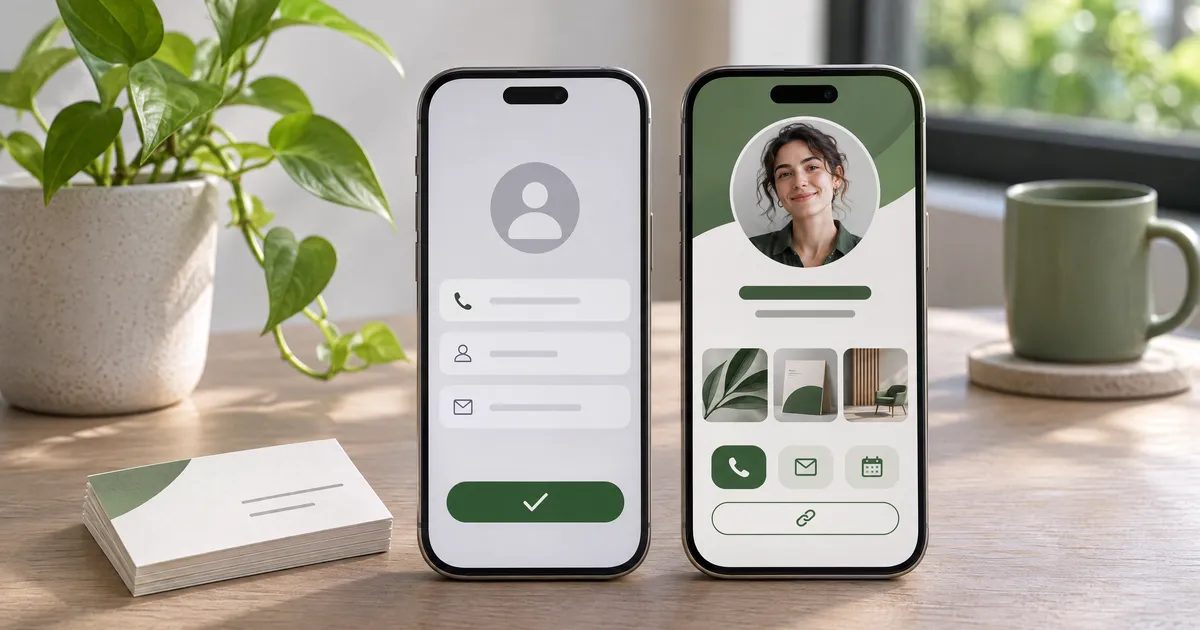
Do not promise identical import behaviour on every device. A phone may open a contact preview, download the file for later, ask which account to use, or require a separate import action.
Apple documents importing a vCard attachment from an email or message on iPhone. That demonstrates a supported contact-file route, but it does not establish that every browser download has the same interface. See Apple's contact import instructions.
Google Contacts on Android provides an import-from-file option for saved VCF files and may ask which account should receive the contact. Google's import instructions provide a fallback when a file has downloaded without opening a contact preview.
After importing, inspect the saved contact rather than stopping at a success message. Check the full name, organisation, email, telephone number, and website. If you have multiple telephone numbers, confirm the labels make sense. Prefer the smallest set of fields that supports the intended follow-up reliably.
Also test what happens when the contact already exists. A later import may produce a duplicate or require a merge, depending on the app. Avoid presenting repeated downloads as a guaranteed update mechanism.
A worked example: a consultant who changes roles
Consider a hypothetical consultant, Sam, who works independently today but may join a small partnership next year. Sam attends local industry events where internet access varies. People commonly want to save a work email and look at recent projects later.
An embedded vCard can supply Sam's current contact data without fetching a site. However, if the partnership brings a new email address, cards already distributed will retain the old one. Sam would need to maintain that inbox where possible or tell contacts about the change.
A linked VCF lets Sam update future downloads at the same URL. It keeps the contact-saving task focused, but people have little opportunity to review project context before the download. It also needs connectivity to retrieve the current file.
A web card can introduce the partnership, keep relevant projects visible, and offer an updated contact download. It is a reasonable choice for Sam's changing professional context. To cover poor connectivity at events, Sam can still print a public work email and a readable page address on the physical card.
Sam does not need to place three competing QR codes on that card. One clear route, supported by readable essential details, is easier to explain in conversation. The chosen route should fit what Sam expects people to do most often, while the printed text provides a practical fallback.
Test the choice before producing a full batch
Make a prototype for each genuinely plausible option. You do not need to build a large website just to discover that the reader only wants to save a number.
For an embedded vCard, scan while the phone has no network connection and inspect the decoded contact fields. This verifies your specific reader and payload; it does not prove that every phone supports it. For a linked VCF or web page, test on a normal connection while signed out and confirm the public address works.
Then ask a person unfamiliar with the setup to follow the card without coaching. Observe whether they understand the action, whether they know whose details they are saving, and whether they can find a fallback contact route.
Use this acceptance checklist:
- The printed name and purpose match the decoded content.
- The code is recognised comfortably on the tested phones.
- The import or page behaves as described on the card.
- The saved contact contains correct, useful fields.
- Any hosted address works without the owner's login.
- The update procedure preserves the exact printed URL where required.
- Someone is responsible for the hosting, account, or replacement print.
Make the update plan part of the decision
Before choosing, imagine that your email changes tomorrow. With embedded data, identify which materials you would replace. With a hosted file, check how to replace the file while retaining its address. With a web page, update both the visible details and the downloadable contact information.
For all three, remember that a contact already saved on another phone is an existing copy. Communicate important changes to people who need them instead of assuming your edits will reach their address books automatically.
If a page is the right fit, the guide to making a digital business card without an app walks through creation and sharing. If a compact embedded contact suits your situation, create a small test payload and verify its offline import before ordering print. Choose the route whose maintenance you understand as clearly as its first scan.