Website Visits, Link Clicks and QR Scans: What They Mean
Understand website visits, link clicks and QR scans, including repeat visits, missing sources, campaign labels and the difference between taps and bookings.
The w.here team
8 min read

On this page
- Define the event before interpreting the total
- Understand what a QR code can and cannot report
- Why direct traffic is not a QR-scan total
- Treat a link click as an intermediate action
- A worked example: what a small salon can conclude
- Use campaign labels only when the destination supports them
- Compare periods that make operational sense
- Build a small measurement routine
Website visits, link clicks and QR scans describe different stages of a customer's journey. A visit means a platform counted an arrival or page activity according to its rules; a click means an action was recorded; a QR scan may mean the code was decoded or that its link was opened, depending on the tool. None of these automatically means a distinct person became a customer.
You can still make useful decisions with simple numbers. The essential habit is to match each number to the question it can answer. This guide explains the differences, works through a small-business example and shows how to build a measurement routine without pretending to know more than the data reveals.
Define the event before interpreting the total
Before looking at a chart, find out what causes its counter to increase. Does a refresh count? Are visits grouped into sessions? Are obvious automated requests excluded? Is a click counted when the button is activated, when the destination loads or when a form is submitted?
Different products can use similar labels for different measurements. Keep a short note of the definitions for the tools you actually use. This is particularly helpful when comparing a page's dashboard with a booking provider's report.
| Metric | What it may tell you | What it does not establish by itself |
|---|---|---|
| Page views or visits | Counted page activity or arrivals | Distinct people, attention or satisfaction |
| Unique visitors or users | An estimate under a particular identification method | A perfect count of real people across every device |
| Link taps or clicks | Recorded activation of a link | Successful arrival or completion at the destination |
| QR scan count | Whatever the provider defines as a scan or code-link request | Every camera decode or a verified human viewer |
| Confirmed bookings | Appointments recorded in the booking system | Which earlier marketing touchpoint caused the booking |
| Completed sales | Transactions recorded by the sales system | Profit, satisfaction or reliable attribution without more information |
For example, a customer might visit in the morning, return at lunch and open the page again before calling. That can be useful activity even if it comes from one person. Calling all three visits “new customers” would change the meaning of the evidence.
Understand what a QR code can and cannot report
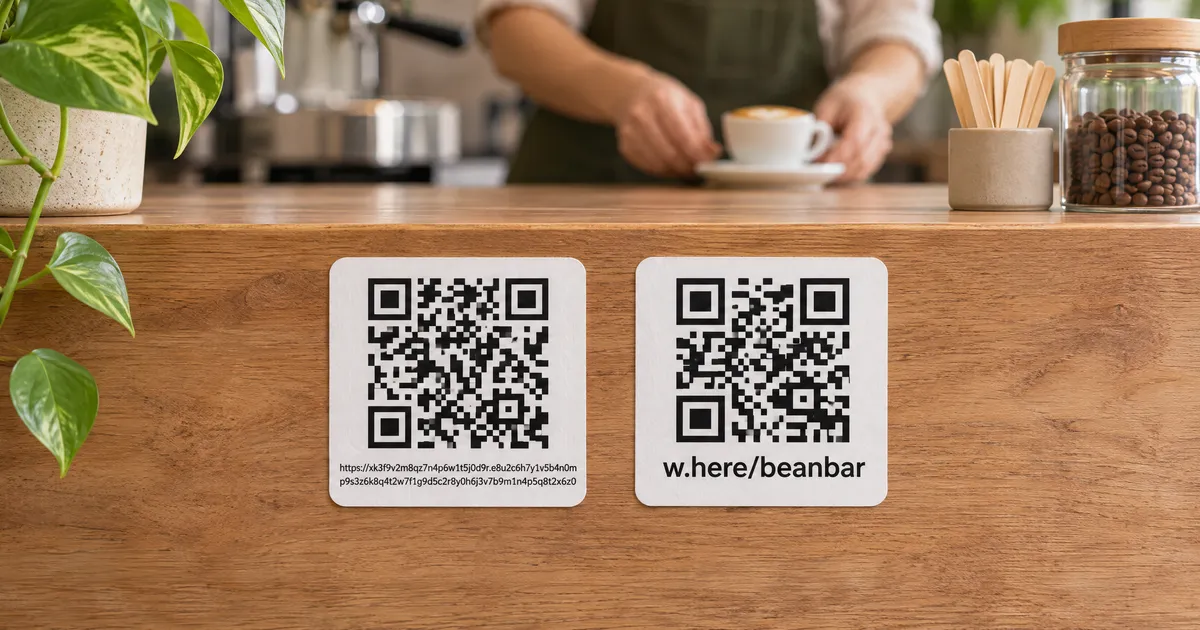
A printed QR code does not contain a tiny reporting device. A phone reads its pattern. If the pattern contains a web address and the person opens it, a request can reach a server that records an event.
That distinction matters. Someone can point a camera at a code and read the offered link without opening it. Your website will not necessarily learn that the pattern was decoded. Conversely, someone can copy the encoded address and share it in a message; the subsequent request may look like another use of the same QR destination.
Before buying or relying on a scan report, ask the provider what it counts, how it handles repeated requests, and what its automated-traffic filtering does. A useful tool should be interpreted according to its actual measurement, not the broadest possible reading of the label “scan.”
The same distinction applies when a QR code opens a short link before reaching its destination. As the guide to static and dynamic QR codes explains, a redirect adds an intermediate step. A count at that redirect and a count at the final page describe different points in the journey. They should not be assumed to match exactly.
Why direct traffic is not a QR-scan total
Browsers and apps sometimes supply information about the page that led to a visit. That information is called a referrer. It can be reduced or omitted; MDN's Referrer-Policy documentation describes how browser requests can include different amounts of referring information, or none.
Without a useful referrer, a system may classify the arrival as direct or unknown. That category can include a typed address, a bookmark, a QR-code link or a link opened from an app. It is not a reliable description of a person's behaviour.
Suppose you place the same address on business cards and in an email signature. If both produce visits with no useful source information, the total alone cannot tell you which placement worked. It also cannot tell you that a person typed the URL simply because the dashboard uses the word “direct.”
In w.here, the source label “Typed, scanned or opened from an app” deliberately groups these possibilities. Its current analytics provide aggregate visits, source categories and supported template-link taps. They do not identify unique people or provide an exact count of physical QR scans.
Treat a link click as an intermediate action
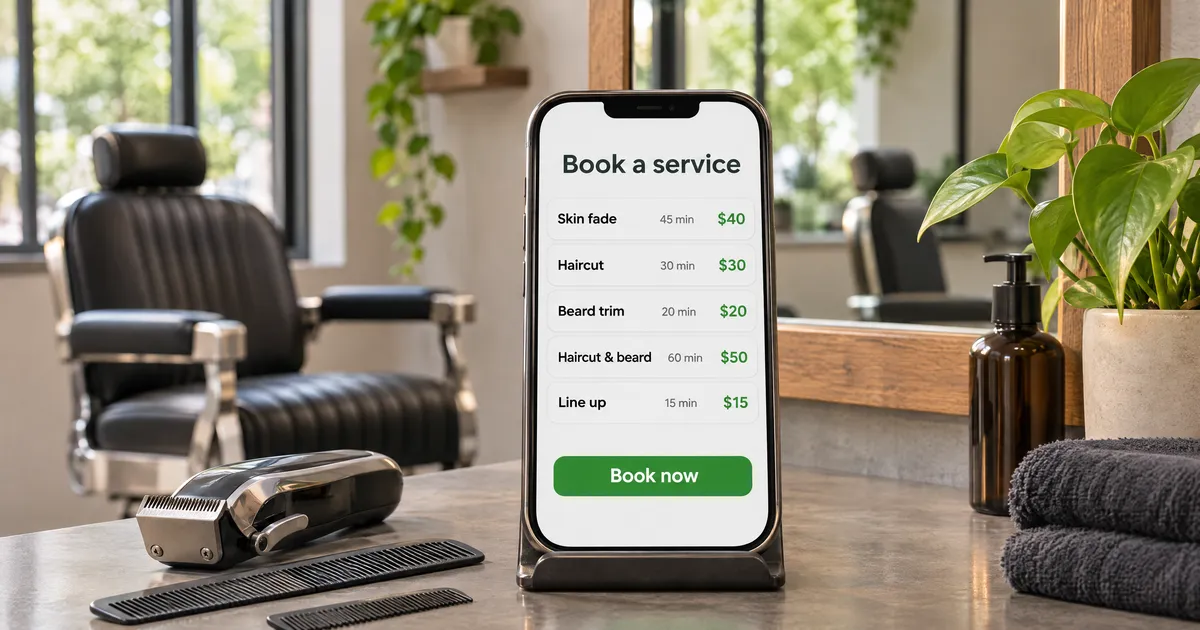
A booking-link tap indicates interest in the next step. The person may then choose the wrong service, find no suitable time, decide to call, or leave. A completed appointment has to be recorded by the booking system.
Likewise, an email-link tap may open a mail app without sending a message. A phone-link tap can present a confirmation without placing a call. These are useful signals, but their meaning stops short of the business outcome.
This helps you choose the right investigation. If the page receives visits but few booking-link taps, review whether the offer and next action are clear. If the booking link receives taps but the calendar records few appointments, inspect the booking journey, available times, service options and expectations set by the page.
Do not call the first pattern a content problem or the second a booking problem until you have checked. Measurement narrows the question; it does not diagnose every cause automatically. The salon and barber booking-page guide explains how a page and an external calendar can share the job of helping a customer decide.
A worked example: what a small salon can conclude
Consider a hypothetical salon reviewing one week. Its page records 240 visits, 48 taps on “Book a haircut” and 18 taps on “View prices.” Its booking provider records 12 completed appointments during that week.
Dividing 48 by 240 gives 0.20, or 20 booking-link taps per 100 counted visits. That is an event ratio. It is not proof that 20% of distinct visitors tried to book, because one person can generate more than one visit or tap.
Nor can the salon conclude that the page generated all 12 appointments. Some customers may have used a saved calendar link, called the salon or completed a booking after visiting in an earlier week. There is no verified connection between each page event and each appointment in this example.
The salon can reasonably use the numbers to start a review. The booking action is being used. Price information also attracts attention. The owner can inspect whether the price page and calendar agree, then check whether customers are choosing the intended service.
In the next week, the owner changes only the booking label to name the service more clearly and records that change. Any subsequent difference still needs context: available appointments, opening days and promotions may also have changed. The figures support a question, not a claim of proven improvement.
Use campaign labels only when the destination supports them
Campaign parameters are extra information in a URL that a compatible analytics system can read. Google's campaign URL documentation explains parameters such as utm_source, utm_medium and utm_campaign. Their values identify how you labelled the campaign; the receiving reporting setup must collect them for them to become useful data.
For a hypothetical open-studio event, your campaign plan could be:
| Placement | Source label | Medium label | Campaign label |
|---|---|---|---|
| Printed invitation | invitation | open_studio | |
| Email newsletter | newsletter | open_studio | |
| Community noticeboard | noticeboard | open_studio |
Choose consistent spelling and keep a record. A different capital letter or label can divide what you intended to be one category in systems that treat values separately.
Do not put names, email addresses or private customer details in these labels. The aim is to identify a placement or campaign, not a person. Shared URLs travel through browsers, messages and other systems.
Adding these parameters to a w.here address does not create a UTM report in its current dashboard. If you need campaign reporting in another tool, verify the complete route to that tool. Do not assume an intermediate redirect automatically forwards every query parameter. Test the final URL and the receiving report before printing a large batch.
Even a unique campaign link is not perfect attribution. People can forward it, copy it or return by another route. Treat it as evidence about the link used, not an infallible explanation of the customer's entire decision.
Compare periods that make operational sense
Choose periods that reflect how the business runs. Comparing a three-day holiday closure with a normal full week may say more about opening hours than about the page. Check whether the reporting tools use the same time zone and date boundaries, especially around events or late-night bookings.
Record obvious context alongside the numbers: a newsletter, a market stall, a closure, a new service or a change in appointment availability. Keep the note short enough that someone will actually maintain it.
Avoid treating a tiny change as a trend. If a link receives only a handful of taps, one customer's return visit can noticeably change the total. Examine a longer suitable period or gather direct feedback before making a large redesign decision.
You should also expect differences between tools. They may count at different stages, apply different exclusions or group activity differently. The sensible first response is to compare definitions and coverage, not to choose whichever total looks most encouraging.
Build a small measurement routine
Pick one business question for each review. Examples include whether customers can find the booking action, whether a printed promotion is generating attributable visits, or whether people are opening the project portfolio before enquiring.
Then follow this sequence:
- Write down the metric that can help answer the question.
- Record its definition, reporting period and important limitations.
- Check the customer journey yourself for obvious failures.
- Compare the numbers with operational context and customer feedback.
- Choose one useful change and record when it went live.
- Review again after enough relevant activity has accumulated.
The improvement might be a clearer link-in-bio arrangement or more accurate call-to-action wording. It might also be no page change at all: a fully booked calendar cannot accept more appointments simply because more people click its link.
Keep the report close to the decision. “The booking link received 48 taps; we need to inspect the service-selection screen” is useful. “Forty-eight customers converted” would be misleading without evidence of completed outcomes. Clear definitions let modest analytics do a valuable job without turning them into claims they cannot support.